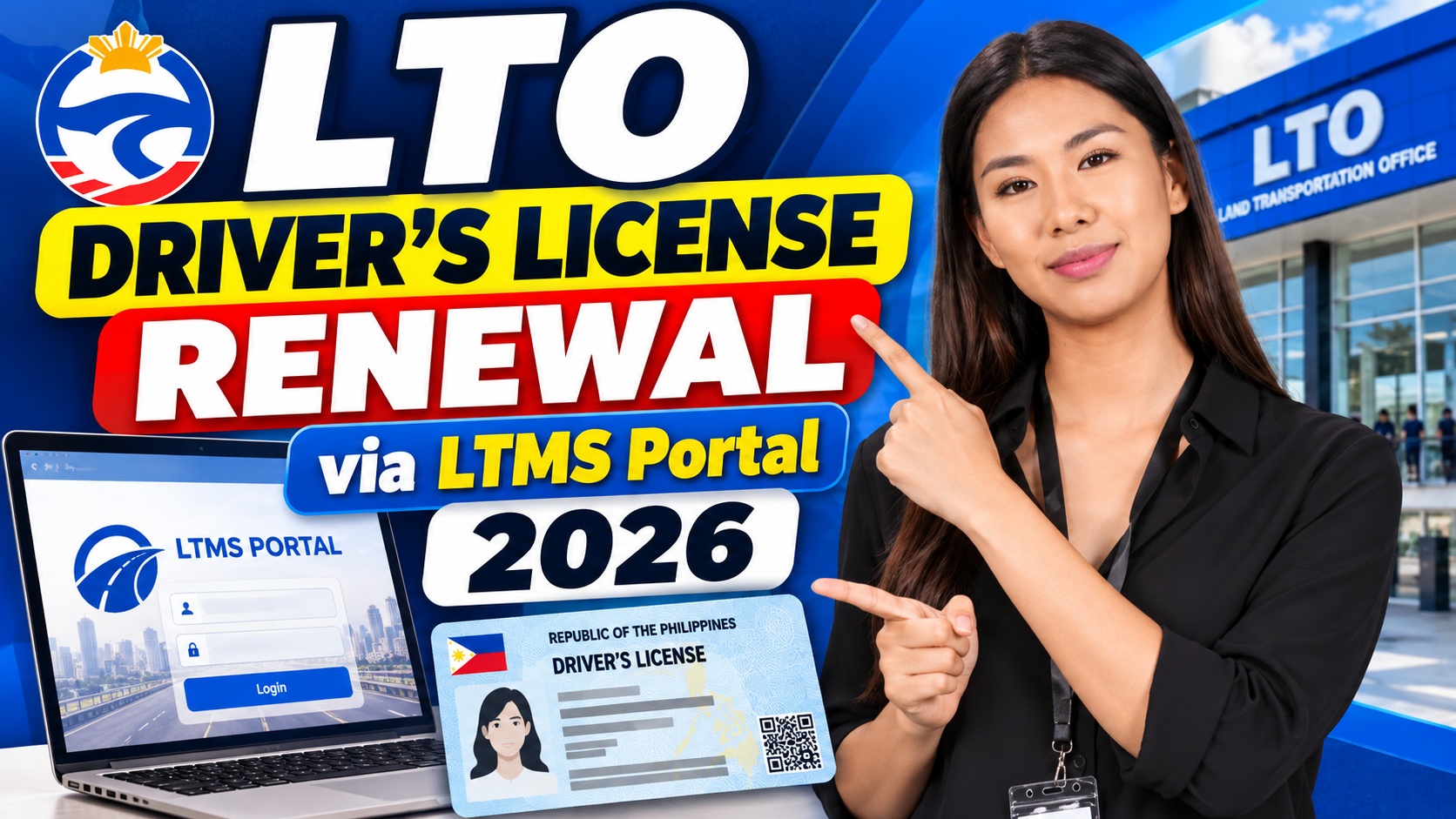
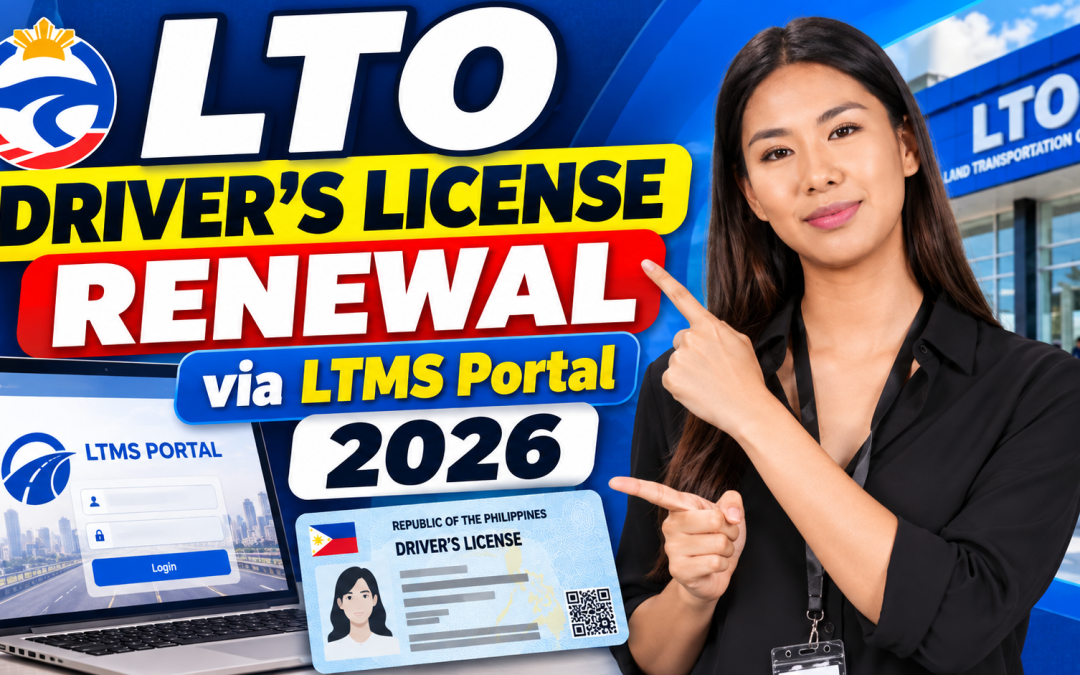
LTO Driver’s License Renewal via LTMS Portal 2026 – Watch Our Step-by-Step Video Guide
Renewing your driver's license in the Philippines? The Land Transportation Office (LTO) uses its Land Transportation Management System (LTMS) Portal for various online driver licensing services. Understanding the renewal process before visiting an LTO office can help you prepare the necessary requirements and avoid unnecessary delays.
In this guide, we walk you through the important steps involved in renewing your Philippine driver's license in 2026. We also feature our latest LTO Driver’s License Renewal video tutorial, presented by Lexi from LTO Guide PH, explaining the process from LTMS Portal login to your visit to the LTO office.
Whether you are renewing your license for the first time through the LTMS Portal or simply want to refresh your knowledge, our video and written guide will help you understand what to expect.
Watch: LTO Driver’s License Renewal via LTMS Portal 2026
Before going through the individual steps, watch our complete video tutorial. Lexi explains the renewal process, highlights important requirements, and shows what you should prepare before visiting the LTO.
Our tutorial covers the online preparation process, the CDE Online Validation Exam, medical certificate requirements, appointment procedures, and the final steps at the LTO office.
If you find the video helpful, please subscribe to LTO Guide PH for more practical tutorials, LTO updates, and driving exam reviewers.
What Do You Need to Prepare for LTO License Renewal?
Before starting your renewal application, make sure you have access to your LTMS Portal account and understand which documents and requirements apply to your particular application.
Depending on your circumstances and the current LTO procedures, you may need:
-
- Your existing Philippine driver's license.
- Access to your registered LTMS Portal account.
- Your CDE Online Validation Exam completion record or certificate, as applicable.
- A medical certificate from an LTO-accredited medical clinic.
- Appointment confirmation, if an appointment is required.
- Additional documents requested by the LTO for your particular application.
Make sure your personal information in the LTMS Portal is accurate and that your requirements have been properly processed.
Always check the latest instructions from the LTO before proceeding, as requirements may differ depending on the type of application.
LTO Driver’s License Renewal: Step-by-Step Process
Here is a summary of the six main steps covered in our video tutorial.
Step 1: Log In to the LTMS Portal
Start by visiting the official Land Transportation Management System website.
Official website: portal.lto.gov.ph
Log in using your registered email address and password. If you do not have an LTMS account yet, you may need to complete the registration and verification process first.
Once logged in, locate the appropriate driver’s license renewal service and follow the instructions displayed in your account.
Always make sure you are using the official LTO website and never share your login credentials with unauthorized individuals.
Step 2: Complete the CDE Online Validation Exam
The Comprehensive Driver’s Education (CDE) Online Validation Exam is an important part of the applicable driver's license renewal process.
The exam covers subjects such as:
- Philippine traffic rules and regulations.
- Road signs and pavement markings.
- Defensive and responsible driving.
- Road safety and traffic discipline.
Prepare by reviewing the relevant learning materials before taking the examination.
Need help preparing?
Watch our LTO CDE Exam Reviewer video, where we go through practice questions and answers to help you refresh your knowledge of traffic rules and road safety.
Follow the LTMS Portal instructions regarding the examination result and completion certificate.
Step 3: Prepare Your Renewal Requirements
Before proceeding with your renewal, check that all necessary information and documents are available.
Pay particular attention to your existing driver's license, LTMS account details, and the medical examination requirement.
Check your personal information for errors or outdated details. Preparing everything beforehand can help prevent unnecessary complications during the application process.
Step 4: Obtain Your Medical Certificate
Driver's license renewal applicants must comply with the applicable LTO medical examination requirements.
Visit an LTO-accredited medical clinic authorized to conduct the required examination.
The clinic will conduct the necessary assessment and process the medical certificate according to LTO procedures.
Before leaving, confirm that your medical results have been properly submitted or processed in the LTO system.
Avoid unofficial offers that promise medical certificates without the required examination.
Step 5: Check and Book Your LTO Appointment
Once your online requirements are ready, follow the applicable appointment procedure.
Where appointment booking is required, select the appropriate renewal service and check the available LTO office locations, dates, and times.
Review your appointment details carefully before confirming.
Save or print your confirmation if the system provides one.
Appointment availability and procedures may vary depending on the LTO office and application type. Always follow the instructions displayed in the official portal.
Step 6: Visit the LTO Office
The final stage is your visit to the designated LTO office, where the remaining processing requirements will be completed.
Arrive on time and bring your existing driver's license, appointment confirmation if applicable, and other required documents.
Depending on your application, you may need to complete:
- Identity verification.
- Photograph and biometric capture.
- Document verification.
- Payment of applicable renewal fees.
- Other processing requirements.
Request an official receipt for your payment and follow the instructions provided by the LTO personnel regarding the release of your renewed license.
Important Tips Before Renewing Your Driver's License
Before heading to the LTO, keep these important reminders in mind:
- Complete your CDE exam preparation.
Do not leave your examination requirements until the last minute. Review the learning materials and follow the LTMS instructions.
- Use an LTO-accredited medical clinic.
Make sure your medical examination is conducted by an authorized provider and that the results are properly processed.
- Check your LTMS Portal account.
Make sure you can access your account and that your personal information is correct.
- Verify current requirements and fees.
LTO procedures and fees may change. Check the latest official information before making your application.
- Prepare your documents in advance.
Having everything ready can help make your LTO visit smoother.
FAQ About LTO Driver’s License Renewal
1. Can I renew my driver's license through the LTMS Portal?
The LTMS Portal provides online driver licensing services, including renewal-related processes. Follow the instructions displayed for your application and any required in-person processing.
2. Is the CDE Online Validation Exam required for license renewal?
The CDE requirement applies to relevant driver's license renewal applications. Check the current LTO requirements and your LTMS account for the applicable examination instructions.
3. Do I need a medical certificate to renew my driver's license?
Yes. Applicants must comply with the applicable LTO medical examination requirements through an authorized medical clinic.
4. Do I need to visit an LTO office when renewing my license?
Depending on your application and the available online services, an LTO office visit may be necessary for verification, biometrics, payment, or other processing requirements.
5. Where can I find the official LTMS Portal?
You can access the official Land Transportation Management System at https://portal.lto.gov.ph/
6. Where can I watch an LTO CDE Exam Reviewer?
You can watch our CDE Exam Reviewer videos on the LTO Guide PH YouTube channel. They cover practice questions, traffic rules, road signs, and driving safety topics.
Check More LTO Tutorials on LTO Guide PH
Renewing your driver's license is just one part of understanding the LTO system and its requirements.
At LTO Guide PH, we publish practical guides, video tutorials, exam reviewers, and updates to help Filipino drivers navigate the different LTO services.
Explore more of our guides:
- Driver's License in the Philippines: Our comprehensive guide to applications, requirements, and licensing procedures.
- LTMS Portal Complete Guide: Learn how to register, log in, and use the online LTO system.
- CDE Exam Reviewer 2026: Prepare for the Comprehensive Driver's Education examination.
- Medical Certificate and LTO Accredited Clinics: Understand the medical examination requirements.
- LTMS Portal Troubleshooting: Find help with common login and portal problems.
Final Reminder
Renewing your driver's license does not have to be confusing if you understand the process and prepare your requirements in advance.
Watch our complete LTO Driver’s License Renewal via LTMS Portal 2026 video tutorial featuring Lexi, and use this written guide as a reference when preparing for your renewal.
For more practical LTO tutorials, driving exam reviewers, and updates, follow LTO Guide PH.
Drive safely and always follow the rules of the road